How to Organize Recipes: Why Spreadsheets and Notebooks Don't Work (for Food Bloggers)
Food bloggers juggle Docs, spreadsheets, notebooks, and a CMS—but none of them talk to each other. Here's why fragmentation breaks recipe workflows and what actually needs to change.
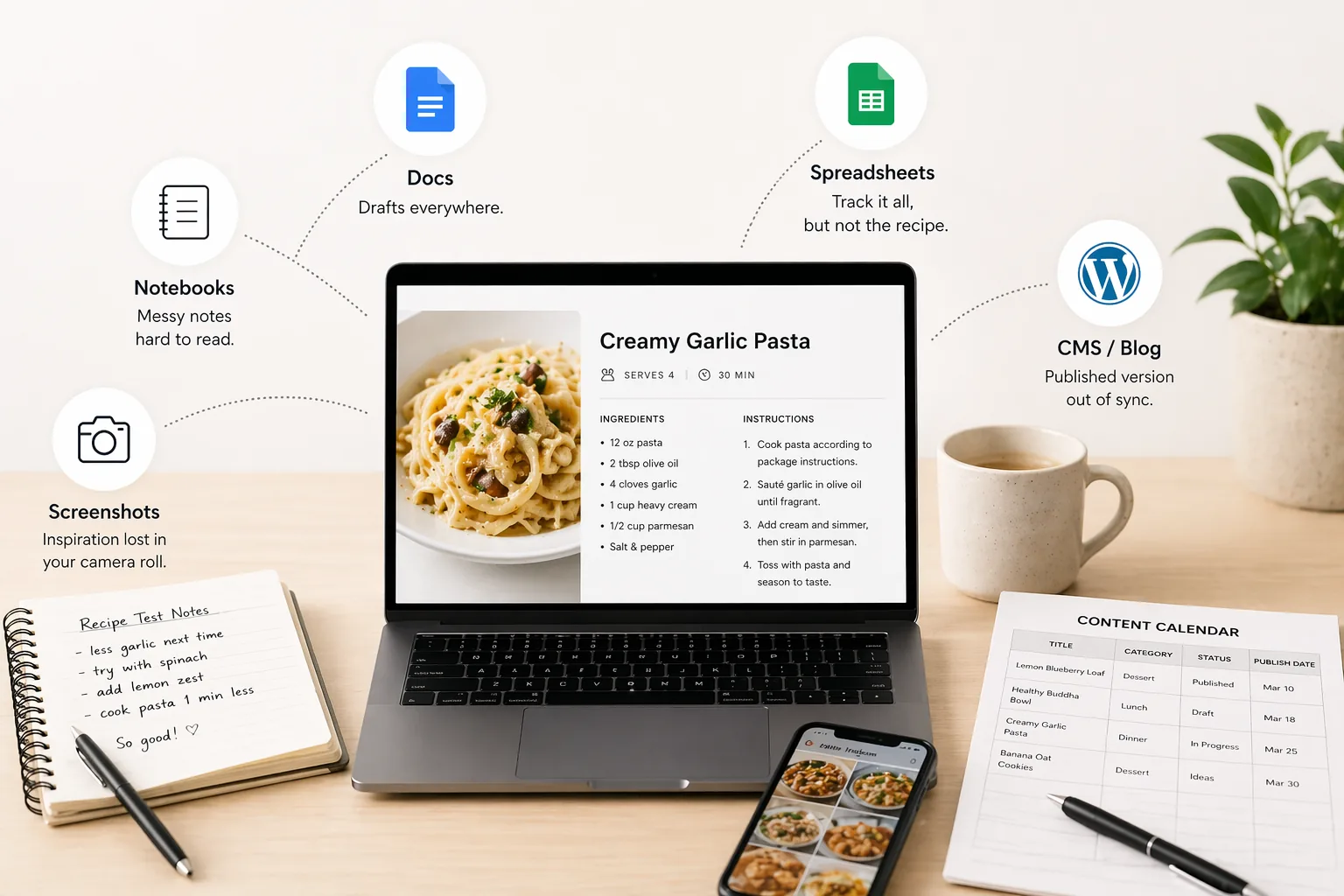
If you've ever tried to figure out how to organize recipes as a food blogger, you already know the answer is… you kind of don't.
Not really.
What you actually have is a chaotic ecosystem of half-finished drafts, screenshots, notebooks, and "final_final_v3" documents scattered across your digital and physical life.
One recipe lives in your notebook from testing day.
Another version is sitting in Google Docs with cleaner instructions.
Then there's the published version on your blog.
And somewhere in your camera roll, there's a screenshot you swore you'd use for inspiration.
Now try answering a simple question:
Which one is the real version?
That's the moment most food bloggers realize they don't have a recipe organization system. They have a collection of tools that don't talk to each other.
And somehow, you're expected to build a content business on top of that.
How Food Bloggers Actually Organize Recipes Today
Let's not pretend people are clueless. Food bloggers do try to organize recipes. They just end up using tools that weren't designed for how recipe creation actually works.
Here's what that usually looks like.
Google Docs for Drafting Recipes
After testing a recipe, many bloggers move to Google Docs to clean things up.
It feels like progress:
- Ingredients get structured
- Instructions become readable
- Notes get rewritten into something publishable
- Everything looks… somewhat organized
For a moment, it feels like you've figured out the best way to organize recipes digitally.
Then reality kicks in.
You end up with:
- Multiple documents for the same recipe
- Slight variations with unclear differences
- File names that slowly turn into nonsense ("chicken pasta final FINAL v2 use this one")
And searching? Forget it.
Try finding "that creamy chicken thing with spinach" across 40 documents with inconsistent naming. That's not recipe organization. That's digital archaeology.
Spreadsheets for Content Planning
Spreadsheets are where control goes to cosplay as organization.
You track:
- Recipe titles
- Categories
- Publish dates
- SEO keywords
- Content ideas
It looks impressive. Structured. Professional, even.
But here's the catch.
Spreadsheets don't actually contain your recipes.
They just point to them.
So every time you want to work on a recipe, you:
- Open the spreadsheet
- Find the row
- Jump to another tool
- Hope it's the right version
You're not organizing recipes. You're managing links to chaos.
And unless you religiously maintain it, the spreadsheet becomes outdated faster than you can say "content calendar."
Notebooks for Recipe Testing
Now we enter the analog phase.
When you're in the kitchen, nothing beats a notebook:
- Quick ingredient changes
- Timing adjustments
- Temperature tweaks
- Random notes like "less garlic next time"
It's fast. It's natural. It works.
In the moment.
Later? It's a mess.
- Handwriting you can barely read
- No structure
- No way to search
- Pages you forget exist
You think you're organizing recipes in a binder or notebook. In reality, you're creating a time capsule no one, including future you, can decode.
Screenshots for Inspiration
This one deserves an award for maximum chaos with minimum awareness.
You see something on Instagram or TikTok. You screenshot it.
Done. Saved. Future genius unlocked.
Except:
- It's buried somewhere in your camera roll
- No categories
- No tags
- No system
A week later, it's gone. Not deleted. Just… functionally lost.
Multiply that by 200 screenshots and now you've built a black hole of inspiration.
CMS for Blog Publishing
Finally, the "official" version lives in your CMS.
This is where everything becomes:
- Structured for readers
- SEO-optimized
- Properly formatted
This is the version the world sees.
But internally?
It's disconnected from everything else.
You tweak a recipe after publishing. Maybe improve it.
Do you update the blog?
Maybe. Sometimes. When you remember.
So now you have:
- Notebook version
- Google Docs version
- Published version
- Updated version… somewhere
And they're all slightly different.
At this point, even your own content starts gaslighting you.
The Real Problem Nobody Talks About
Each of these tools works fine on its own.
That's the trap.
Google Docs is great for writing.
Spreadsheets are great for tracking.
Notebooks are great for quick capture.
CMS platforms are great for publishing.
But none of them were built to work together.
So instead of a system, you end up with fragmentation.
And that's where everything breaks.
Why These Systems Don't Work
Let's zoom out for a second.
This isn't about blaming spreadsheets or notebooks. They're doing their job.
The problem is deeper.
Recipes Are Scattered Everywhere
There is no single source of truth.
Recipes live across:
- Notes
- Docs
- Screenshots
- CMS
- Your brain (unfortunately)
Even worse, the same recipe exists in multiple places with slight differences.
So when you need it, you hesitate.
"Is this the latest version?"
That hesitation alone tells you your system is broken.
Hard to Search Content
Try this:
Find a recipe based on:
- Ingredients
- Category
- Cooking time
- Diet type
Now do it across five different tools.
Exactly.
There is no unified way to search your content.
So you rely on memory.
And memory, as it turns out, is not a scalable content management strategy.
Not Built for the Cooking Workflow
Cooking is not linear.
You:
- Test
- Adjust
- Experiment
- Iterate
But most tools assume a clean, finished document.
They don't support:
- Real-time tweaks
- Version evolution
- Structured capture of ingredients, steps, timing
You're forcing a dynamic process into static tools.
That's like trying to manage a startup using sticky notes. Technically possible. Deeply questionable.
Inconsistent Formatting
Every tool has its own format:
- Notebook scribbles
- Google Docs structure
- CMS layout
So your recipes end up looking different depending on where they live.
Which means:
- No consistency
- No standardization
- No scalable workflow
You're constantly reformatting instead of creating.
Not Designed for Content Creation
This is the part most people miss.
Recipes are not just notes.
For food bloggers, they are:
- Content assets
- SEO pages
- Monetizable resources
- Brand-building pieces
Yet most tools treat them like basic documents.
As your blog grows, this gap becomes painful.
What worked for 10 recipes collapses at 100.
At 300, it becomes unmanageable.
That's when "how do you organize recipes" turns from curiosity into a real problem.
So… What Actually Works?
At some point, every food blogger hits the same wall.
You realize:
- You don't just need to organize recipes
- You need a system that matches how you create, test, and publish them
Not another spreadsheet.
Not another folder.
Not another "final_v2" document.
A real system.
One that connects everything instead of scattering it.
What does that look like?
That's where things actually get interesting.
Next: How to Organize Recipes: A System Every Food Blogger Needs
Related Posts
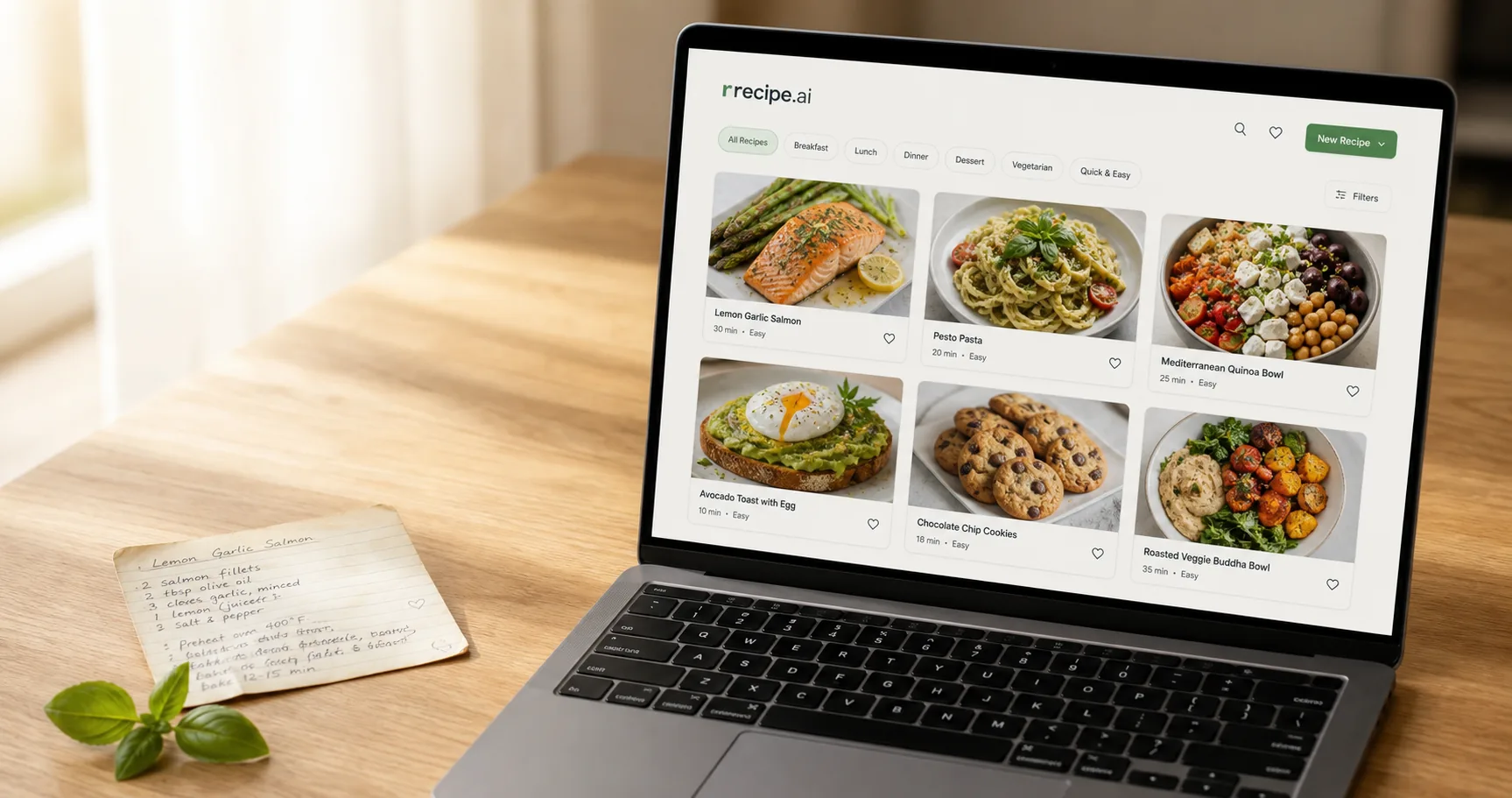
Looking for the best recipe organizer app? Here's what food creators actually need from one — and how rrecipe.ai turns messy drafts into a searchable library.
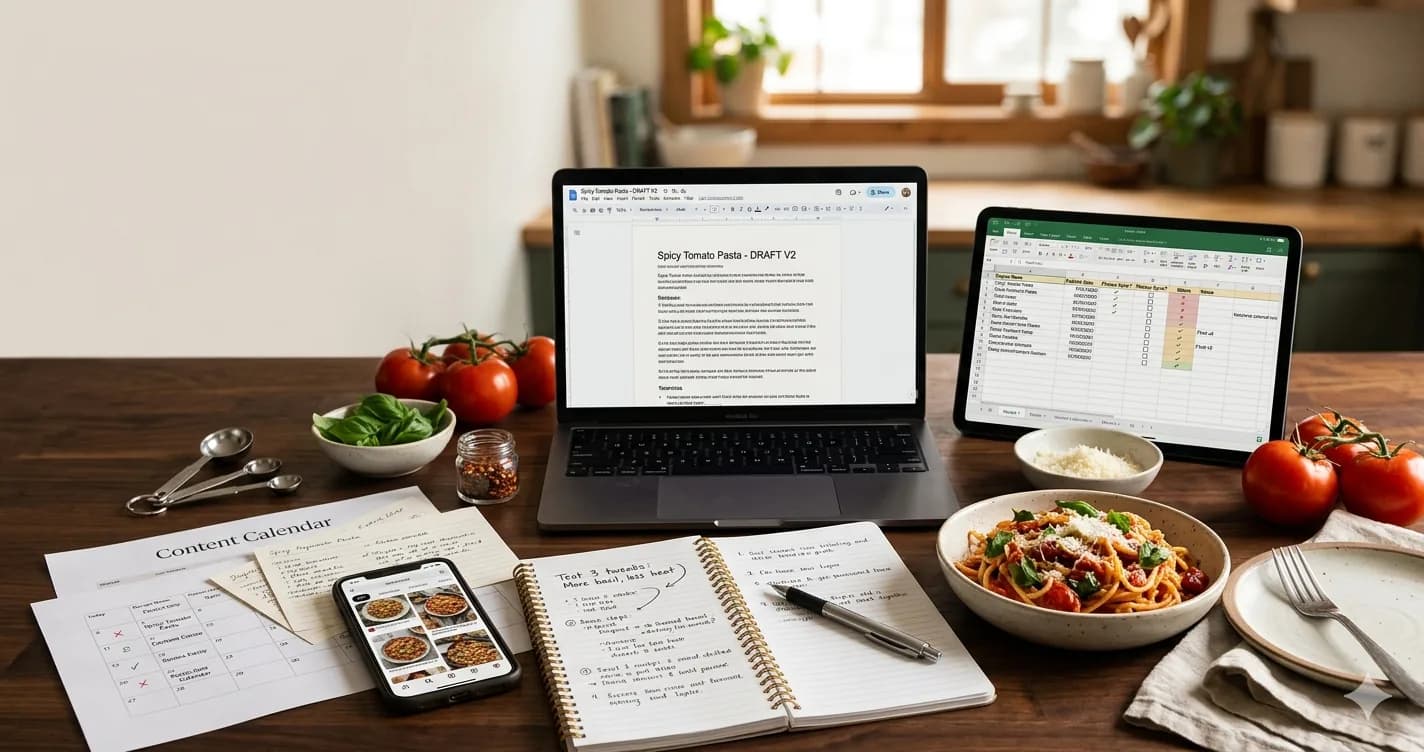
How to organize recipes properly — the five things any recipe organization system needs before you commit to a tool.