The Best Recipe Organizer App for Food Creators
Looking for the best recipe organizer app? Here's what food creators actually need from one — and how rrecipe.ai turns messy drafts into a searchable library.
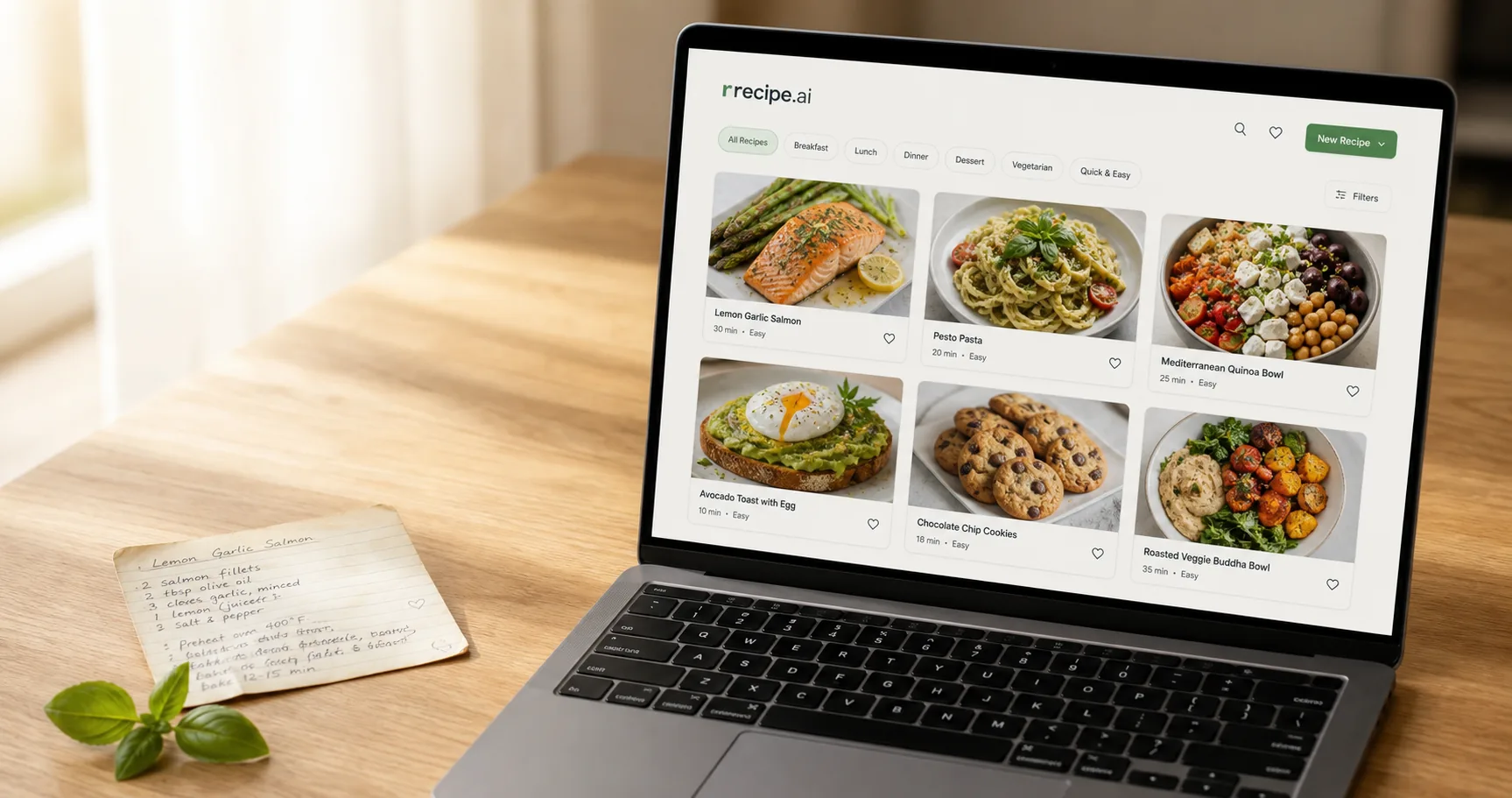
Search "best recipe organizer app" and every list hands you the same kind of tool: save a recipe you found, build a grocery list, plan the week's dinners. Great — if you're cooking someone else's food.
If you make recipes, that's the wrong tool. You don't need a nicer place to save other people's recipes. You need somewhere your own messy drafts turn into structured, searchable, publishable ones. That's a different app — and "best" means something different too.
What the best recipe organizer app actually does for a food creator
Before you download anything, decide what "best" means for you. A home cook and a food creator are shopping for two different tools that happen to share a name.
A home cook wants to save recipes and cook them. A creator wants to produce them — dozens a month, from messy sources, in a shape that's ready to publish and easy to find again a year later. Those are not the same job, and the features that serve one barely touch the other.
So the criteria that matter aren't meal planning and grocery lists. They're these four:
- Fast capture from messy sources. Your recipes start as TikTok captions, voice notes, a Google Doc, a photo of your own handwriting. The app has to get them in without you retyping.
- A categorization system you'll keep consistent. Not tags you'll abandon in a month — a structure that stays navigable at 200 recipes.
- Filtering by how you actually work. Not just by title. By status, prep time, cook time, and servings — the attributes that matter when you're managing a content pipeline, not a fridge.
- Built to publish, not just to cook. A recipe is content you'll ship, update, and reuse — not a note you read once and forget.
Hold any app up against those four. Most of the popular ones fail the first one honestly, and don't even attempt the last.
Most recipe organizer apps are built for home cooks
This isn't a knock on Paprika, Recipe Keeper, or the dozen apps that top every "best recipe organizer app" roundup. They're good at what they're for. They're just not for you.
Those apps optimize for the home-cook loop: clip a recipe from a website, drop it into this week's meal plan, generate a grocery list, follow it hands-free at the stove. Every feature points the same direction — someone else's recipe becoming your dinner.
A creator's loop runs backwards. Your recipe starts as your idea, in a format nobody can publish yet, and has to become a structured record you'll edit, categorize, and put in front of an audience. Cook mode and grocery lists don't touch that problem. That gap is the whole reason we built rrecipe.ai — and it's why the three features below look different from anything on those lists.
Get messy content in without retyping — the AI recipe converter
The single biggest tax on a food creator isn't cooking. It's retyping.
You already wrote the recipe once — in a caption, a voice memo you dictated over the stove, a Doc you drafted at midnight. Turning that into something structured usually means typing it all out again: splitting ingredients from steps by hand, standardizing the units, guessing at the formatting. Do that thirty times a month and it's a part-time job you didn't sign up for.
rrecipe.ai's AI recipe converter removes that step. Paste a URL, a block of text, or your own rough draft, wait a few seconds, and get back a structured recipe: ingredients with quantities and units, steps in order, prep and cook time as their own fields. You fix what's wrong — there's always something — and it's done.
The difference from a home-cook app's "import" feature is what it's pointed at. Those parse a published recipe off a clean website. This one is built for your mess: the half-formed draft, the caption with three emojis between every ingredient, the line that says "about a glug of oil." Start a new recipe, drop the source in, and let it do the structuring. What used to take fifteen minutes of transcription takes one edit pass.
Picture the input: a caption that reads "ok the viral feta pasta but ACTUALLY good 🍅 — cherry toms, block of feta, garlic, chilli, so much olive oil, 400f til jammy then smash + toss with pasta." That's not a recipe yet. It's a note to yourself. The converter turns it into an ingredient list with quantities to confirm, numbered steps, and a temperature pulled out as a field — so all you're doing is filling the gaps you left, not rebuilding the thing from scratch. Multiply that across a back catalog of captions and voice notes and it's the difference between "someday I'll digitize those" and having it done this afternoon.
A categorization system you'll actually keep consistent
Every creator starts organized. Twenty recipes, a few neat tags, easy to scroll. Then it's two hundred, the tags have drifted — dinner, dinners, main, mains, weeknight-dinner — and you're back to scrolling through everything to find the one you meant.
Ad-hoc tagging rots. What survives is a deliberate structure: a small set of categories as your primary navigation, and tags for everything that overlaps. We wrote the full method in the system every food blogger needs — the short version is 6–10 categories, tags do the rest.
Here's why this decides the "best recipe organizer app" question. A categorization system is only as good as your ability to keep it consistent under load. An app that lets you invent a new category every time you save a recipe is an app that will be a swamp by recipe 100. One that nudges you toward a stable set of categories is one you'll still trust a year in — and, just as important, one your readers can actually browse without bouncing.
Find any recipe in seconds with advanced filtering
Here's the feature no home-cook app has, because home cooks don't need it: filtering by production attributes.
rrecipe.ai's advanced filtering narrows your whole library by category, prep time, cook time, servings — and status. That last one is the creator-only piece. Your recipes aren't all the same: some are ideas, some are mid-testing, some are published. Filtering by status means you can pull up "everything I've drafted but never shipped" in one click, or "published mains under 30 minutes" when you're planning next month's content.
That's the line between a cookbook and a content system. A cookbook shows you finished dishes. A content system lets you ask questions about your own pipeline:
- What's sitting in drafts that I forgot to finish?
- Which quick weeknight recipes have I already published?
- What do I have ready to pull into a "30-minute dinners" roundup?
Filtering by status, time, and servings is how you answer those in seconds instead of scrolling your entire archive hoping to recognize the one you meant.
Say a brand wants three quick vegetarian dinners for a fall campaign. In a home-cook app you'd scroll, eyeball, and hope. Here you filter to category: dinner, tag: vegetarian, cook time: under 30 min, status: published — and you're looking at exactly the shortlist, plus a second filter to status: draft shows you what's half-finished and worth pushing over the line for the same pitch. That's not a nicer way to browse. It's the difference between guessing what you have and knowing.
From scattered tools to one system
Take those three features together and the picture changes. The converter gets messy content in. Categories keep it organized. Filtering gets any recipe back out fast. In → organize → retrieve — the whole loop, in one place.
Which is the actual point, and it isn't really about any single feature. Most creators don't have a recipe problem — they have a fragmentation problem. The recipe itself is fine; it's just spread across a notebook, three Docs, and their own captions, none of which agree with each other. We took that fragmentation apart in why spreadsheets and notebooks don't work. A complete recipe management system is what replaces all of them at once: one canonical record per recipe — structured, categorized, filterable, and ready to publish.
So which recipe organizer app is best for you?
There's no single best recipe organizer app. There's the one that fits how you work.
If you cook other people's recipes for your own kitchen, a home-cook app with good import and meal planning is genuinely the right call — Paprika and Recipe Keeper earn their spots on those lists.
But if you make recipes — if "organizing" means turning your own messy drafts into structured content you'll categorize, filter, and publish — then the criteria are different, and so is the tool. You need fast capture from wherever the recipe already lives, a categorization system that holds up past 200 recipes, and filtering by the attributes that describe a content pipeline, not a pantry.
That's the app we built. Try rrecipe.ai free and run it against your own four criteria — the messy draft you've been avoiding is a good place to start.
Related Posts
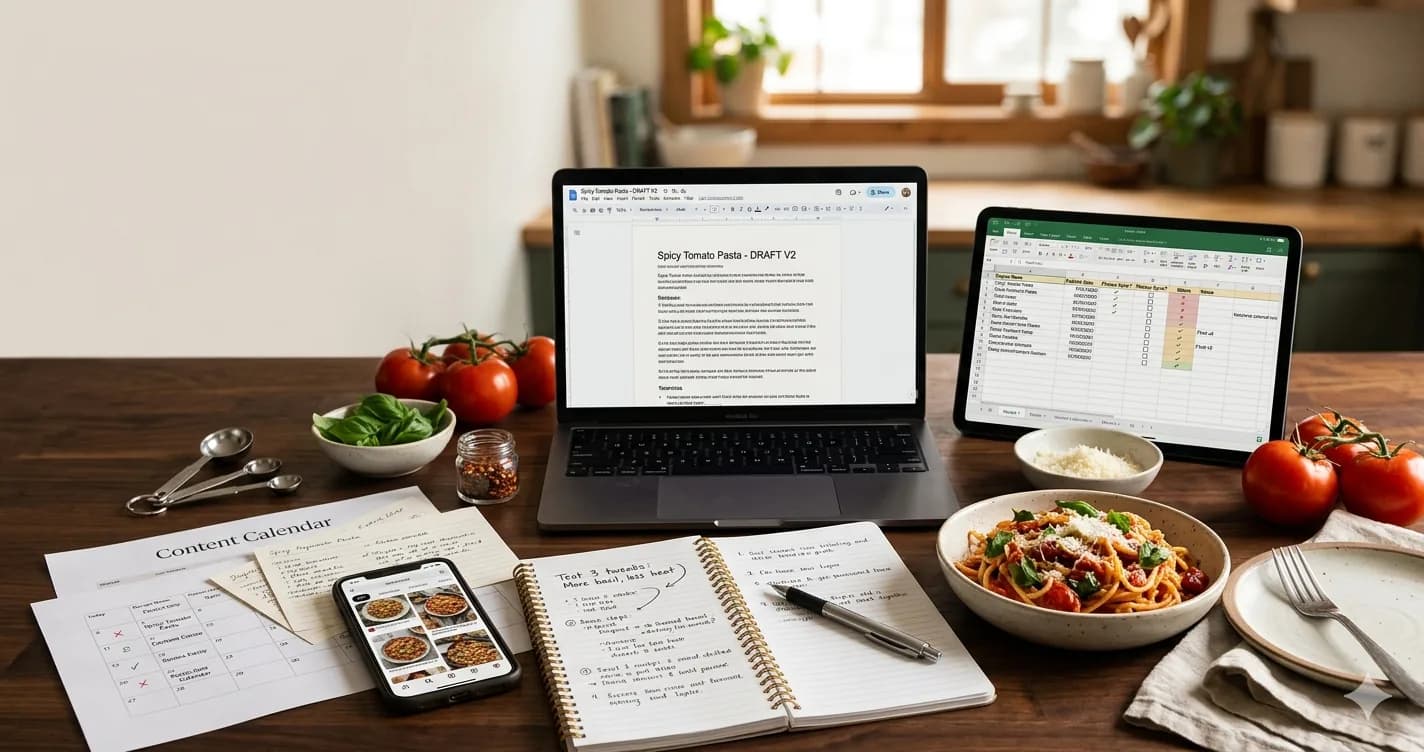
How to organize recipes properly — the five things any recipe organization system needs before you commit to a tool.
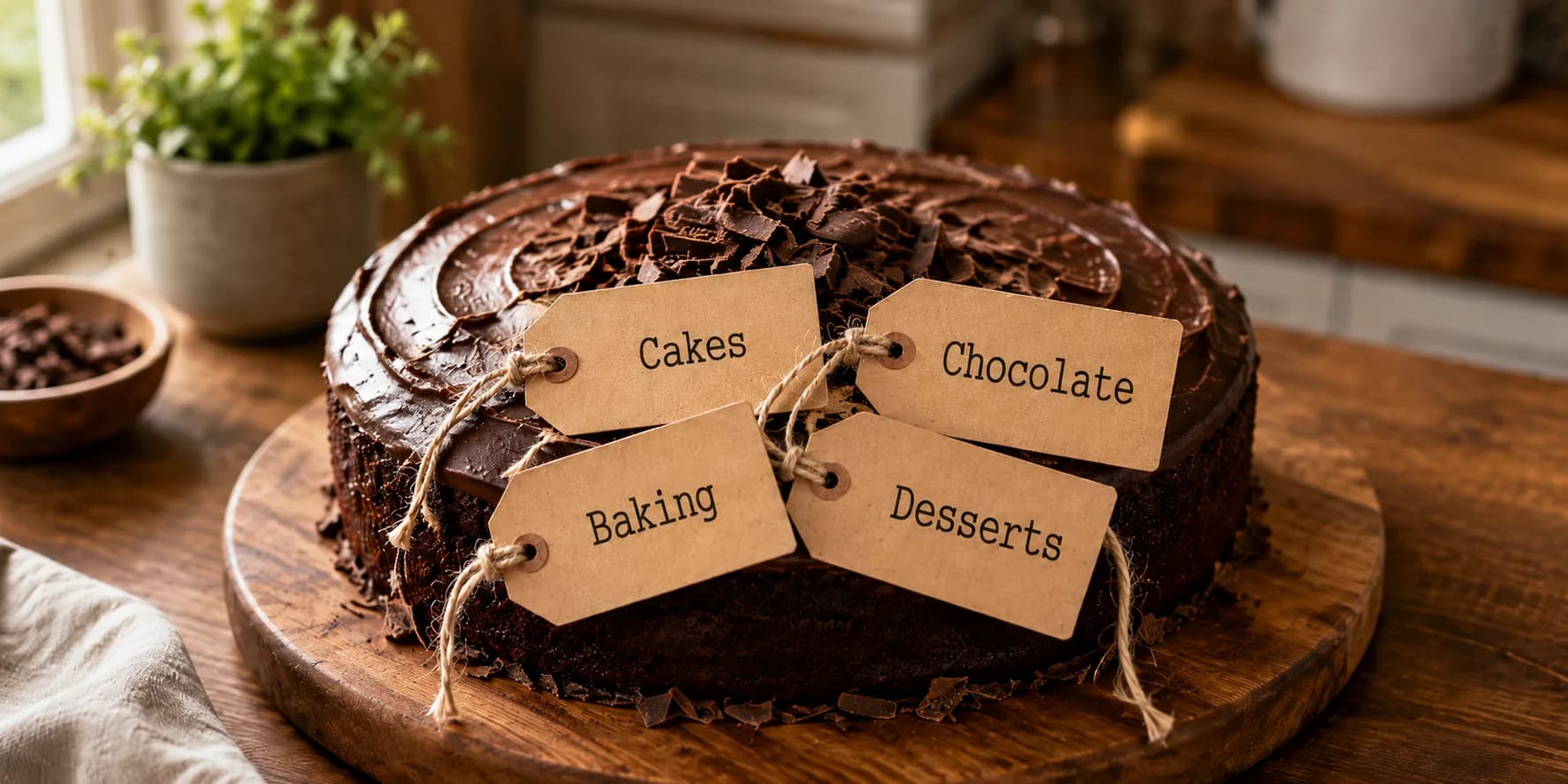
The best way to categorize recipes is to pick one axis and let filters do the rest. A practical system for food bloggers with growing libraries.